Program presentation
Group care, multi-age care, age ranges, and location context are organized for quick understanding.
Client work / Child care
A warm, trustworthy digital experience that helps parents understand the daycare, explore programs and locations, and take the next step with confidence.
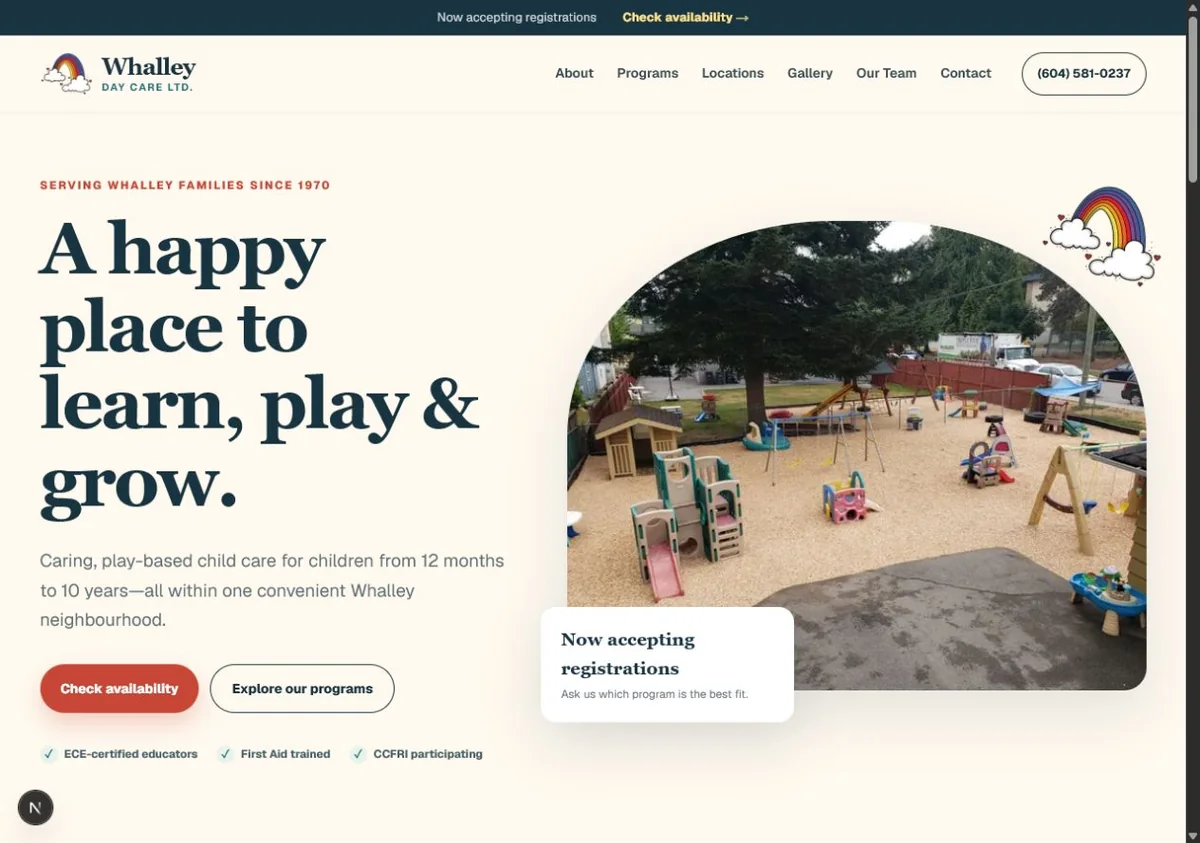
The starting point
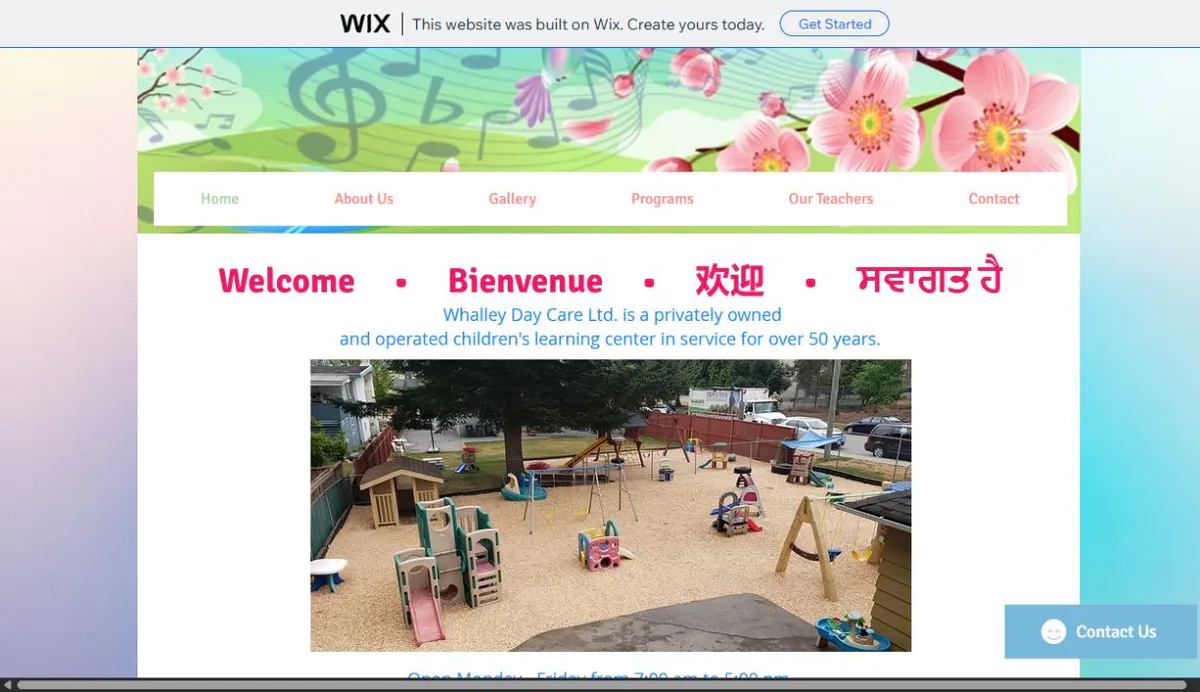
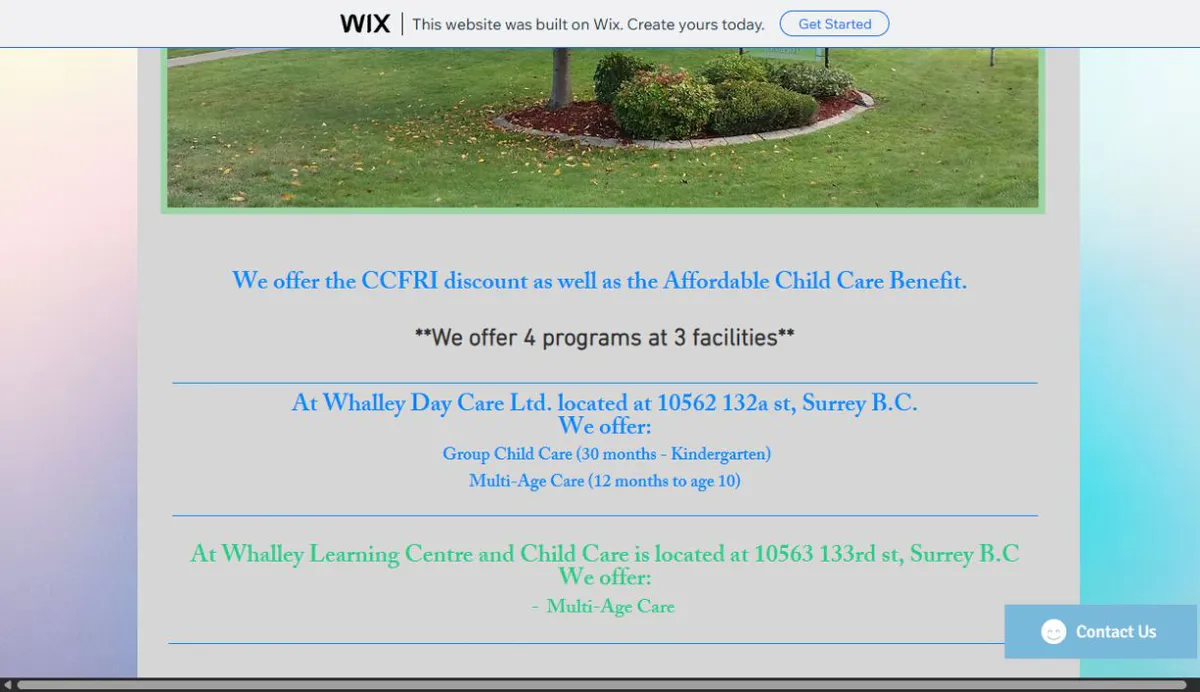
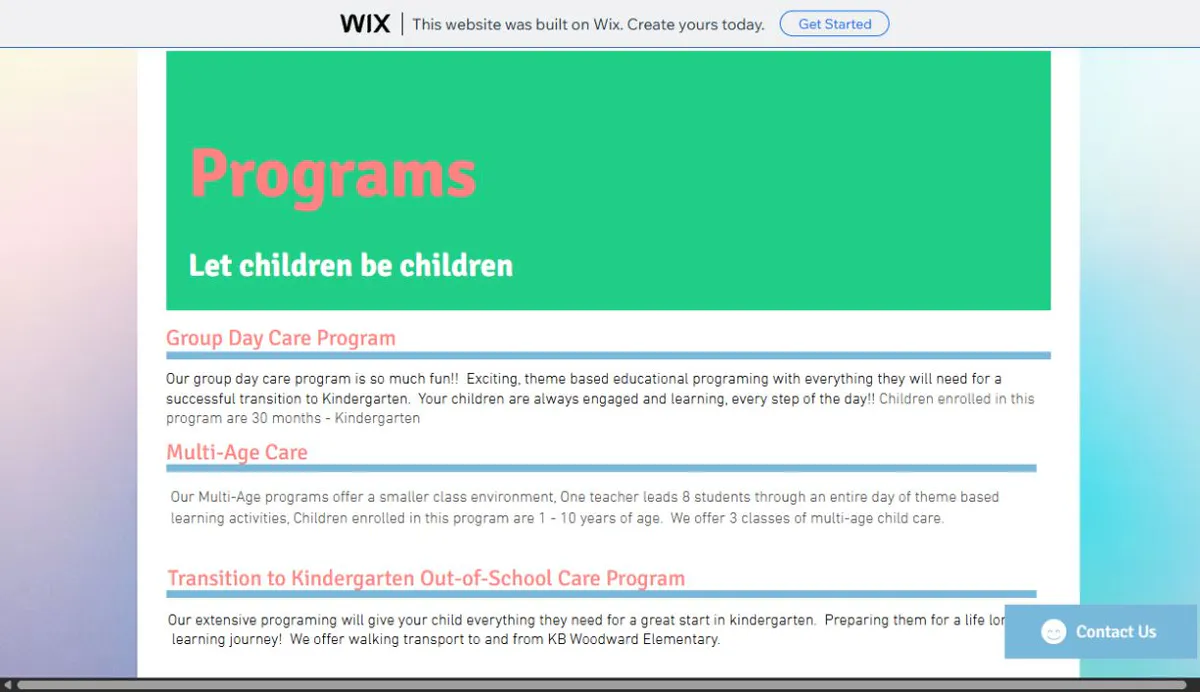
The client-provided legacy site carried real trust signals: more than 50 years in service, four programs across three facilities, educator credentials, affordability information, operating hours, and registration contact details.
That information was split across Home, About Us, Programs, Our Teachers, Gallery, and Contact pages. Long text blocks, inconsistent headings, and a time-sensitive availability banner competed with the core parent journey.
Legacy-site evidence
Screenshots captured from the client-provided legacy site and reproduced here with permission.
The customer journey
The strongest proof here is the digital experience itself—not a forced automation story.
Real location imagery, longevity, educator credentials, and direct contact details.
Age ranges, care options, and location information are easy to scan.
Parents can navigate, call, and check availability without fighting a desktop layout.
Registration interest moves toward one obvious next action.
Delivered capability
Group care, multi-age care, age ranges, and location context are organized for quick understanding.
Community history, educator credentials, real photography, practical details, and affordability information support an informed decision.
Registration interest moves toward one visible next action across desktop and mobile.
Relevant project inquiry